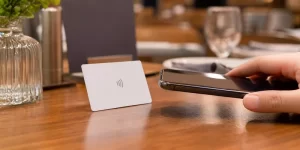
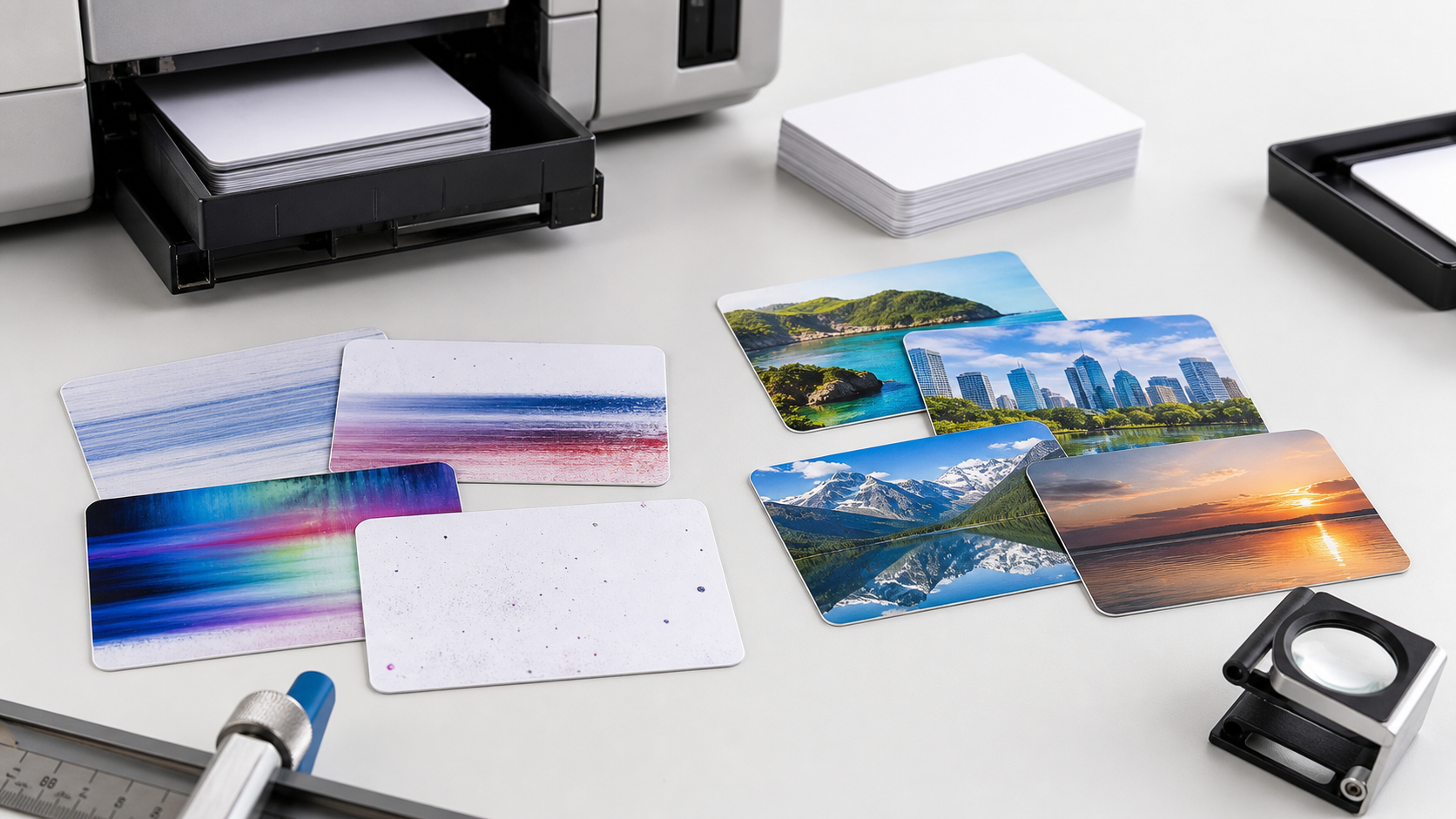
Inkjet PVC cards are useful for short-run ID cards, membership cards, visitor passes, sample RFID cards, and NFC card prototypes. They look simple: a PVC body, an inkjet-printable coating, and sometimes an embedded RFID or NFC chip. Most failures are also simple. They usually come from the card surface, printer tray, ink setting, artwork file, or drying process.
The first rule is to avoid treating every white PVC card as inkjet printable. Standard PVC cards do not receive ink the same way coated inkjet PVC cards do. If the surface is wrong, you may see wet ink, smearing, weak color, soft edges, or cards that scratch quickly after a few days of use.
For buyers comparing DIY printing with supplier-made cards, inkjet PVC cards are best for controlled small batches and fast personalization. For high-volume access cards, hotel key cards, NFC review cards, or RFID cards that need encoding and consistent finishing, factory production is usually safer.
Quick Comparison: Which Card Type Fits?
| Option | Best for | Main risk | Better choice when |
|---|---|---|---|
| DIY inkjet PVC cards | Temporary IDs, samples, prototypes | Smearing, tray shift, uneven color | You need repeatable brand color or bulk output |
| Inkjet-coated RFID PVC cards | Small-batch printed access or NFC cards | Wrong chip, wrong tray, poor drying | You need encoding or chip selection support |
| Factory printed PVC RFID cards | Hotels, access control, membership, events | Requires confirmed artwork and specs | You need consistent finished cards |
| Blank PVC RFID cards | Later on-site personalization | Printer or thickness mismatch | You do not have a tested card printer setup |
ASIARFID offers RFID inkjet PVC cards and card trays for printable card projects, as well as custom RFID cards for production-ready orders.
Problem 1: The Ink Smears After Printing
Smearing is the most common inkjet PVC card problem. It often happens when the card is touched too soon, stacked before drying, printed with too much ink, or printed on a card that is not coated for inkjet ink.
Start by confirming that the card is inkjet printable, not a regular blank PVC card. Then match the card to your printer ink type and select the correct PVC card or ID card print mode. After printing, let cards dry flat before stacking. For daily handling, outdoor use, or wallet storage, ask whether factory printing or added surface protection is more suitable.
Problem 2: Colors Look Dull or Uneven
PVC cards are not paper. Ink sits on a coated plastic surface, so colors can look different from the screen or from photo paper. Dull color can also come from low resolution artwork, wrong media settings, old ink, clogged nozzles, or heavy ink coverage.
Run a nozzle check and print one test card with a logo, solid color block, small text, and any photo area. If every card shows banding or missing color, the printer needs maintenance. If one card type prints better than another, the coating is probably part of the issue. For brand-sensitive projects, send vector artwork and approve a physical sample before bulk production.
Problem 3: The Design Is Not Centered
Misalignment usually comes from the tray, template, or feed position. Even a small tray shift can move the artwork toward one edge, and borders make the problem obvious.
Use the exact template for your printer and tray combination. Do not resize the design by eye. Keep text, QR codes, barcodes, and logos away from the card edge. For double-sided cards, test front-and-back registration before printing the batch.
Problem 4: The Card Feels Sticky or Scratches Easily
A sticky surface usually means the ink has not dried enough, the ink load is too heavy, or the coating is not matched to the ink. Scratching can happen when the card is handled too early or rubbed against other cards.
Reduce heavy ink coverage where possible. A full-bleed dark background may look good on screen but can be harder to dry evenly on plastic. For membership cards, hotel key cards, school IDs, or access cards that move through readers repeatedly, finished 13.56MHz RFID/NFC cards or other factory-produced cards may be more reliable.
Problem 5: The Printer Rejects the Card Tray
Not every inkjet printer can print PVC cards. Some printers support ID card trays only in specific models, firmware versions, or software modes. If the tray is wrong, the printer may reject it, feed it at the wrong time, or print in the wrong position.
Before ordering cards, confirm the printer model, tray model, and card thickness. Do not assume a printer that handles photo paper can handle PVC cards. If several offices will print cards, document the exact setup so one team does not order cards another printer cannot feed.
Problem 6: RFID or NFC Compatibility Is Forgotten
A good-looking RFID or NFC card can still fail if the chip type, frequency, encoding, or reader compatibility is wrong. This is especially important for access control, hotel locks, attendance, events, library systems, and NFC marketing.
Confirm the application first, then confirm the required frequency, chip or IC option, encoding format, and reader environment. For later personalization, ASIARFID can also supply blank RFID cards. Keep the printing decision separate from the RFID/NFC performance decision.
Buyer Checklist Before Ordering
- Confirm the cards are inkjet-printable PVC cards, not standard PVC blanks.
- Match the card tray to the printer model.
- Test with the real artwork rather than a sample pattern.
- Leave safe margins for text, QR codes, and logos.
- Let printed cards dry flat before stacking or handling.
- Confirm whether dye or pigment ink is recommended for the card surface.
- For RFID/NFC cards, confirm frequency, chip, encoding, and reader compatibility.
When Should You Avoid Inkjet PVC Cards?
Avoid using inkjet PVC cards as the final production method when the card needs strict brand color, high scratch resistance, long outdoor exposure, daily reader use, or large-volume consistency. Inkjet printing is still useful for mockups, low-volume personalization, visitor cards, and pilot testing.
For commercial projects, compare the cost of failed cards, reprints, staff time, and inconsistent results against factory-made cards. A supplier-produced card can align material, chip, encoding, artwork, packaging, and inspection in one workflow.
Why Work With ASIARFID?
ASIARFID manufactures RFID and NFC card products for access control, hotels, membership, events, campuses, transportation, and brand interaction. For inkjet PVC card projects, a better question is: “Will this printed card work correctly in the system where it will be used?”
Send your printer model, tray requirement, artwork, quantity, chip or frequency requirement, and encoding needs. ASIARFID can help compare printable PVC cards, blank RFID cards, and finished custom RFID/NFC cards before production.
FAQ
Can any PVC card be printed with an inkjet printer?
No. A regular PVC card usually does not have the right inkjet-receptive coating. Use inkjet-printable PVC cards and confirm compatibility with your printer and tray.
Why do my inkjet PVC cards smear?
Common causes include touching the card too soon, using the wrong card surface, selecting the wrong print setting, applying too much ink, or stacking cards before they dry.
Are inkjet PVC cards waterproof?
Some inkjet-printable PVC cards are designed for better water resistance after printing, but performance depends on coating, ink type, drying time, and use environment. Confirm this before ordering.
Can inkjet PVC cards include RFID or NFC chips?
Yes. Printable PVC cards can include RFID or NFC functions, but the chip, frequency, and encoding must match the target system. Test samples when compatibility matters.
Are inkjet PVC cards better than factory printed RFID cards?
They are better for small batches, prototypes, and fast personalization. Factory printed RFID cards are better for brand consistency, durability, encoding control, and bulk projects.
Conclusion
Most inkjet PVC card problems are preventable once you identify the real cause: card coating, printer setup, artwork preparation, drying process, or RFID/NFC specification. If the card represents your brand or controls access to a real system, compare inkjet printing with professionally produced RFID or NFC cards before ordering.
For a safer start, review ASIARFID’s RFID inkjet PVC card options or send your project requirements for a card recommendation and sample plan.